14°Partly cloudy
H 17° · L 9°
- Now14°
- 1315°
- 1416°
- 1517°
- 1616°
A sample dock: hover the icons and open the weather.
Replace your boring old taskbar
with Sill.
One bar for your apps, live widgets and automations. It hides the Windows taskbar while it runs and puts it back when you quit.Windows 11 · US$6.99 once
Everything the taskbar should have beenApps, live widgets, rules and saved setups, in one bar you shape yourself.
The taskbar comes back
Sill hides it while it runs and puts it back when you quit. A watchdog restores it even if Sill crashes.
Top or bottom, pill or full width
Drag it to the top or bottom edge, or keep it hidden until your pointer asks.
Move and shape itOut of the way
Games and full-screen videos hide the dock. Quiet mode and quiet hours hold alerts until you are back.
Your look
Light or dark, glass or solid, any accent colour. It can follow your wallpaper.
Widgets that open upClick one in the dock and its panel grows out of it, as it does in Sill. 136+ of them.
Clock
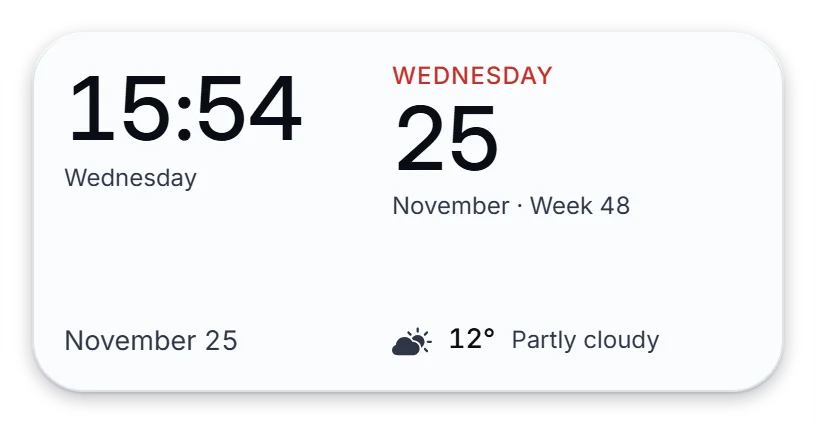
Time beside a date block (weekday over the day), or as digits, hands, a date page or the day's progress, with a month calendar in the panel.
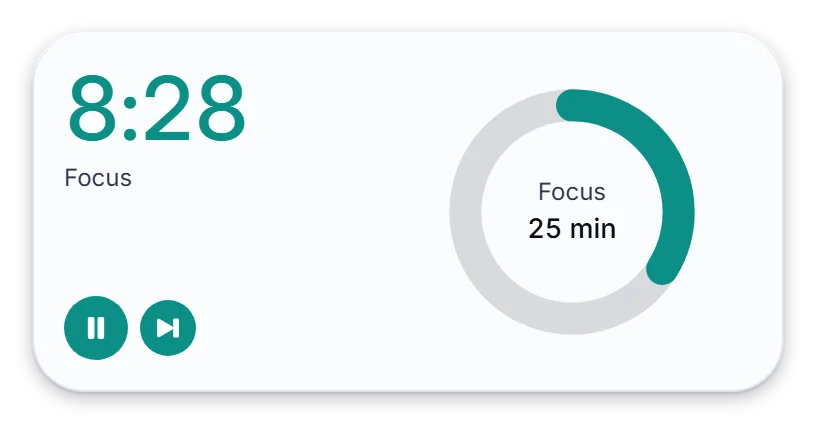
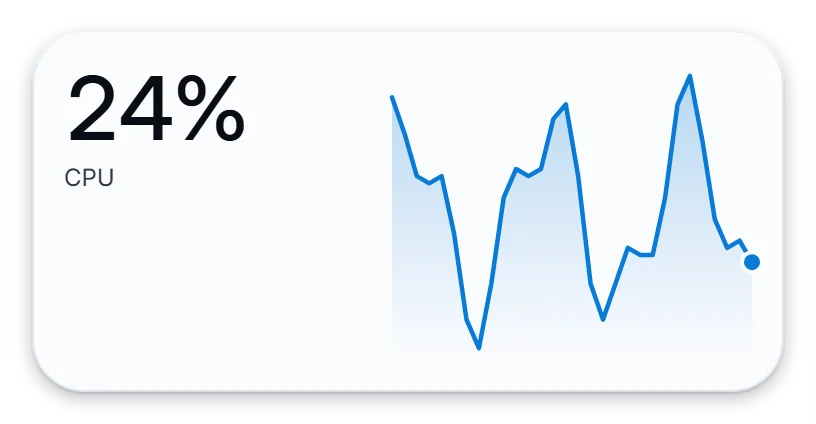
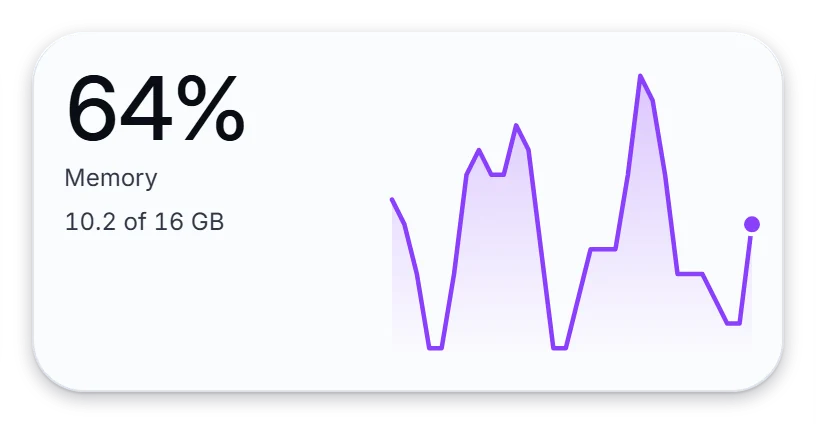
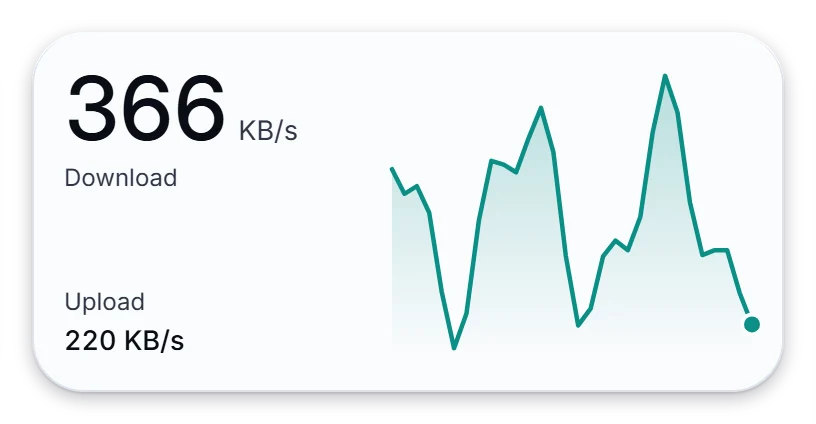
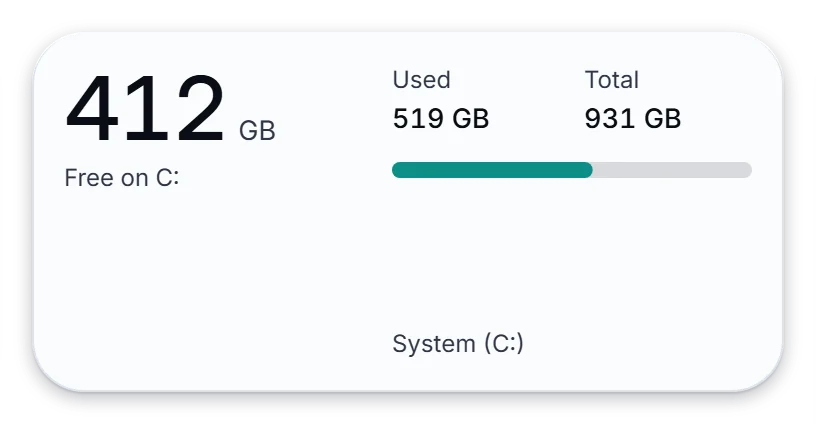
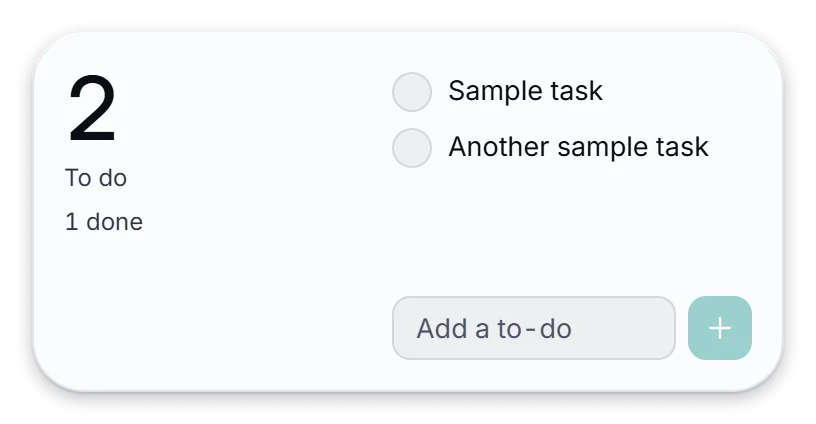
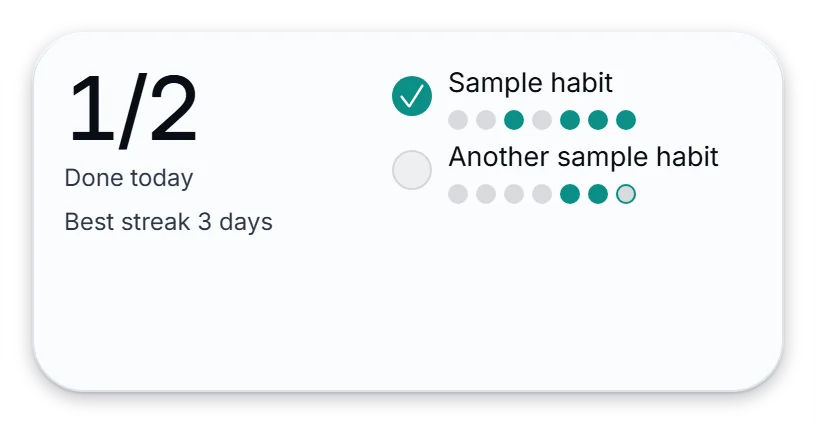
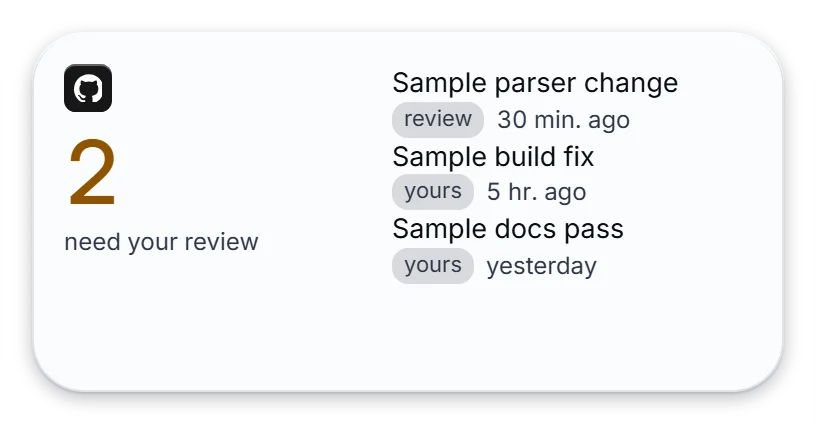
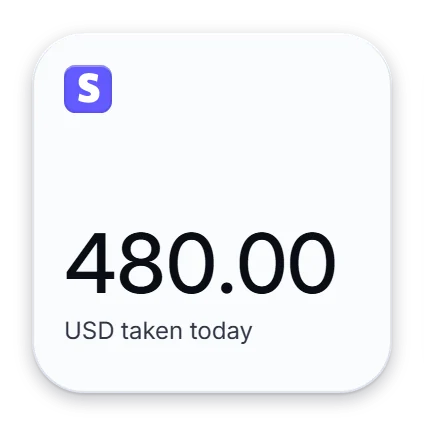
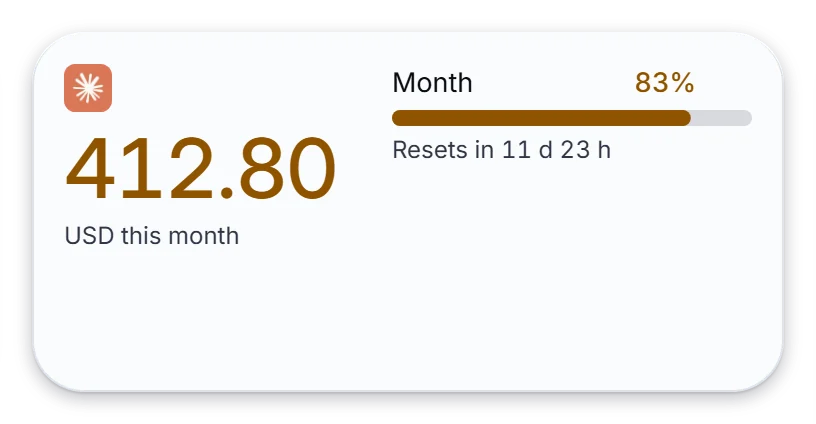
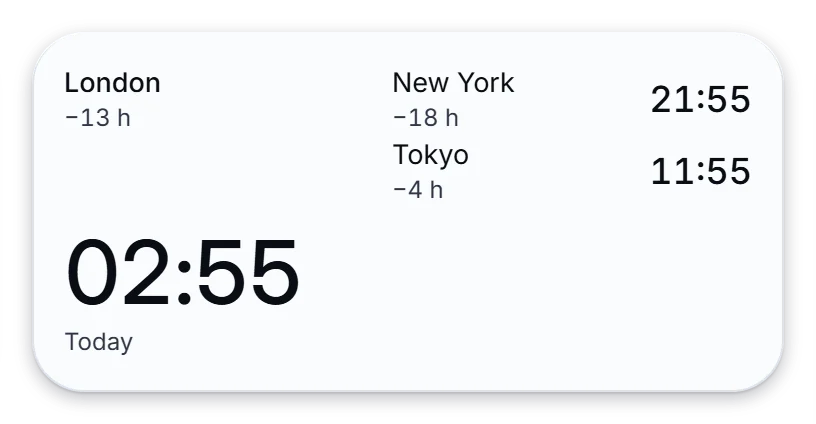
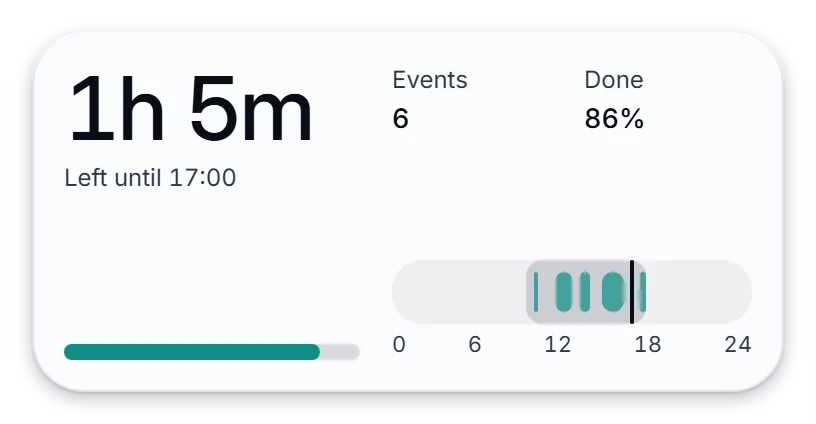
See all 136+ widgetsReal widgets, sample data
Your services, in the barGitHub checks, Stripe payouts, your calendar and more, read with your own keys.
GitHub
Adds to your dock
- Pull requests
- Issues
- CI
Vercel
Adds to your dock
- Latest deployments
Linear
Adds to your dock
- Your issues
- Current cycle
Todoist
Adds to your dock
- Today's tasks
- Quick add
Stripe
Adds to your dock
- Balance
- Today's and this week's revenue
Plausible
Adds to your dock
- Visitors
- Top pages
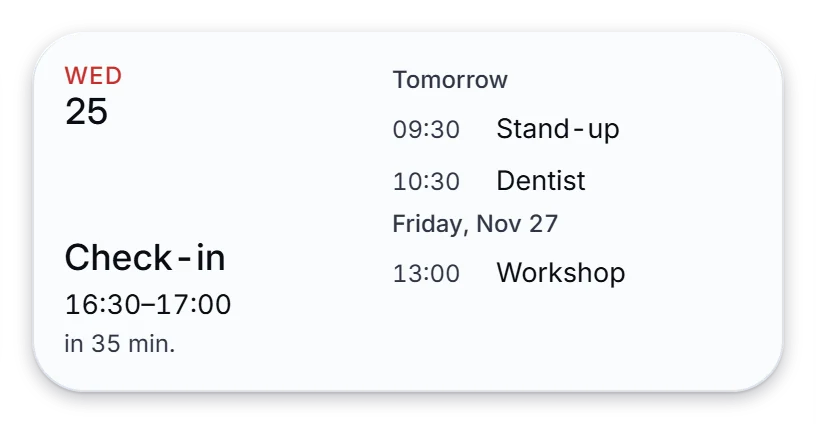
Google Calendar
Adds to your dock
- Next event
Google Tasks
Adds to your dock
- Your tasks
Search Console
Adds to your dock
- Clicks from Google Search
Outlook
Adds to your dock
- Next event
- Unread mail
Microsoft To Do
Adds to your dock
- Tasks that are not done
Strava
Adds to your dock
- Last activity
- Weekly distance
Home Assistant
Adds to your dock
- Sensors
- Switches
- Scenes
DeepSeek
Adds to your dock
- API credit balance
Hacker News
Adds to your dock
- Top stories
RSS feeds
Adds to your dock
- Headlines from any feed
Any iCal feed
Adds to your dock
- Calendar events
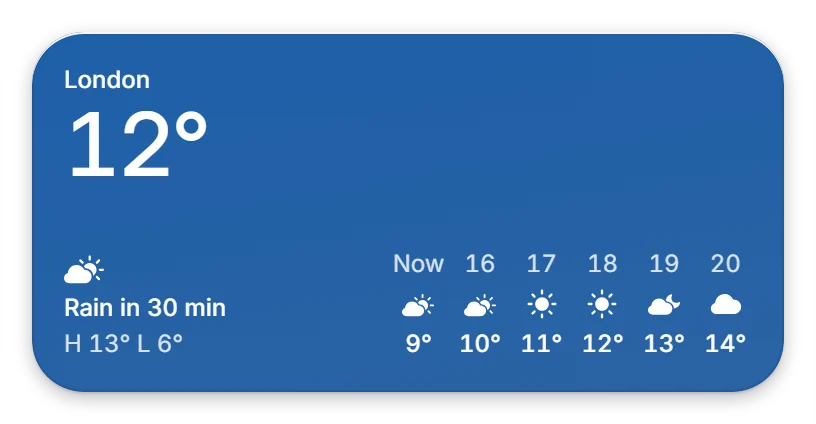
Open-Meteo
Adds to your dock
- Weather
- Hourly forecast
- Rain
CoinGecko
Adds to your dock
- Coin prices
- Watchlist
Finnhub
Adds to your dock
- Stock quotes (your own free key)
NotionComing soon
Not in Sill yet. It is on the list.
SlackComing soon
Not in Sill yet. It is on the list.
SpotifyComing soon
Not in Sill yet. It is on the list.
GmailComing soon
Not in Sill yet. It is on the list.
ShopifyComing soon
Not in Sill yet. It is on the list.
SteamComing soon
Not in Sill yet. It is on the list.
OpenAI usageComing soon
Not in Sill yet. It is on the list.
Anthropic usageComing soon
Not in Sill yet. It is on the list.
SupabaseComing soon
Not in Sill yet. It is on the list.
ResendComing soon
Not in Sill yet. It is on the list.
GumroadComing soon
Not in Sill yet. It is on the list.
PaddleComing soon
Not in Sill yet. It is on the list.
Lemon SqueezyComing soon
Not in Sill yet. It is on the list.
Made forstudents.
Pick a person. Their dock opens the way they would set it up.
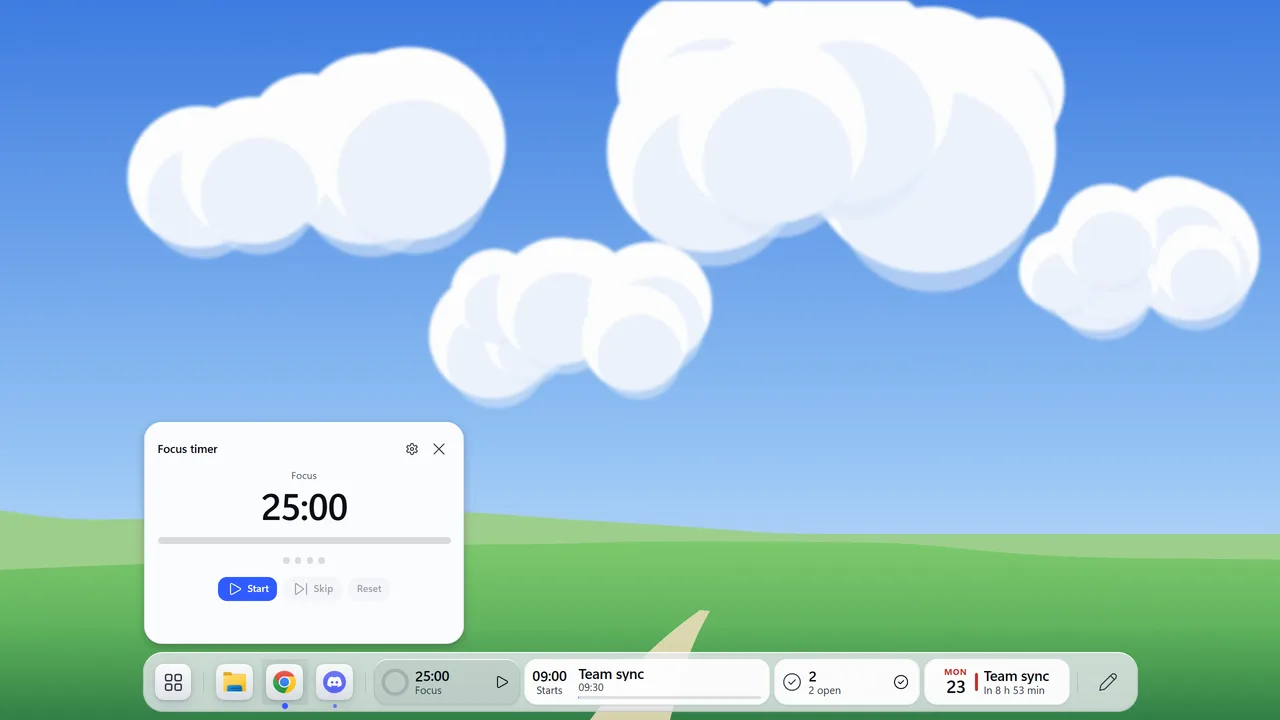
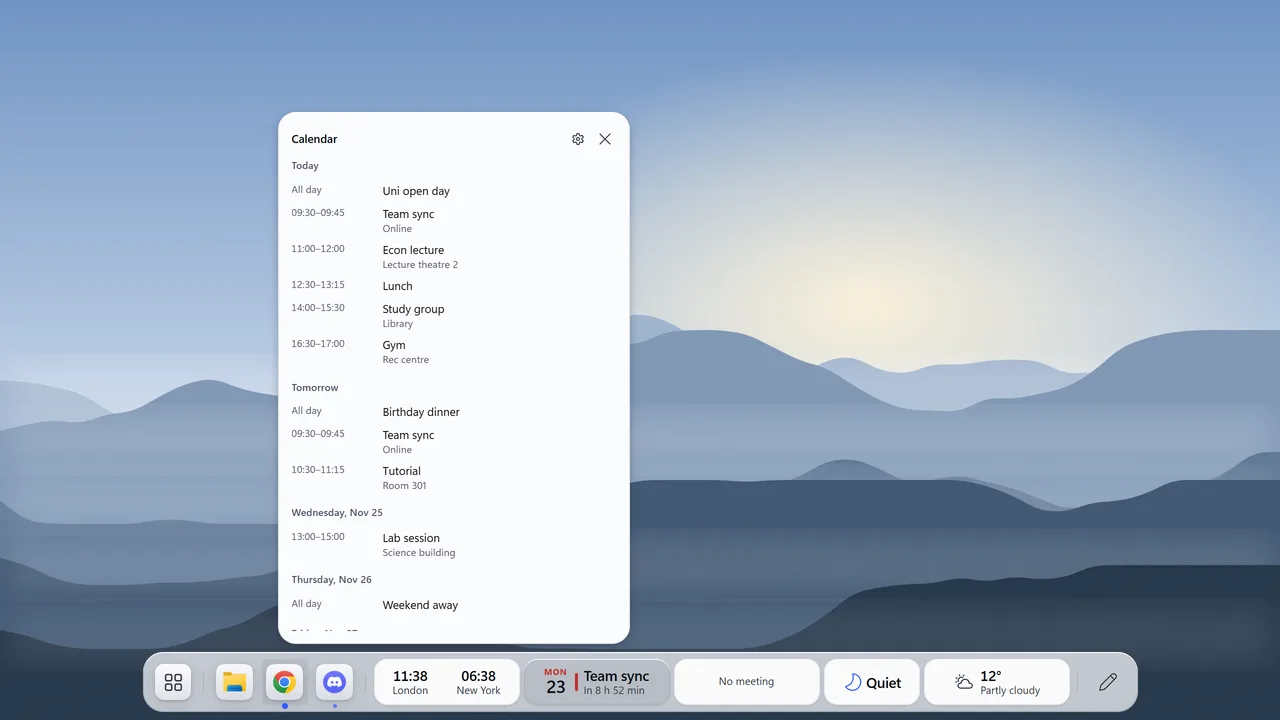
A focus timer and what's left of your day, always in view.
- Focus timer
- Day timeline
- To-dos
- Calendar
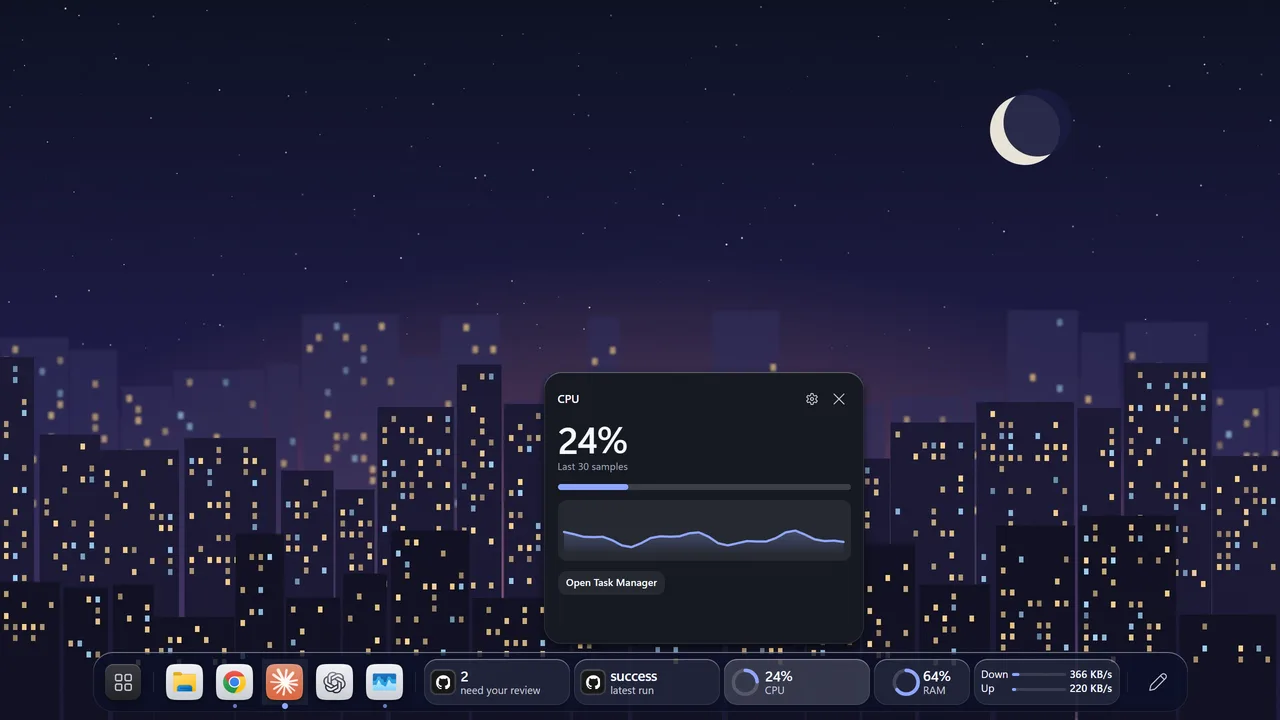
Pull requests, CI and CPU while the build runs.
- GitHub pull requests
- GitHub CI
- CPU
- Memory
- Network
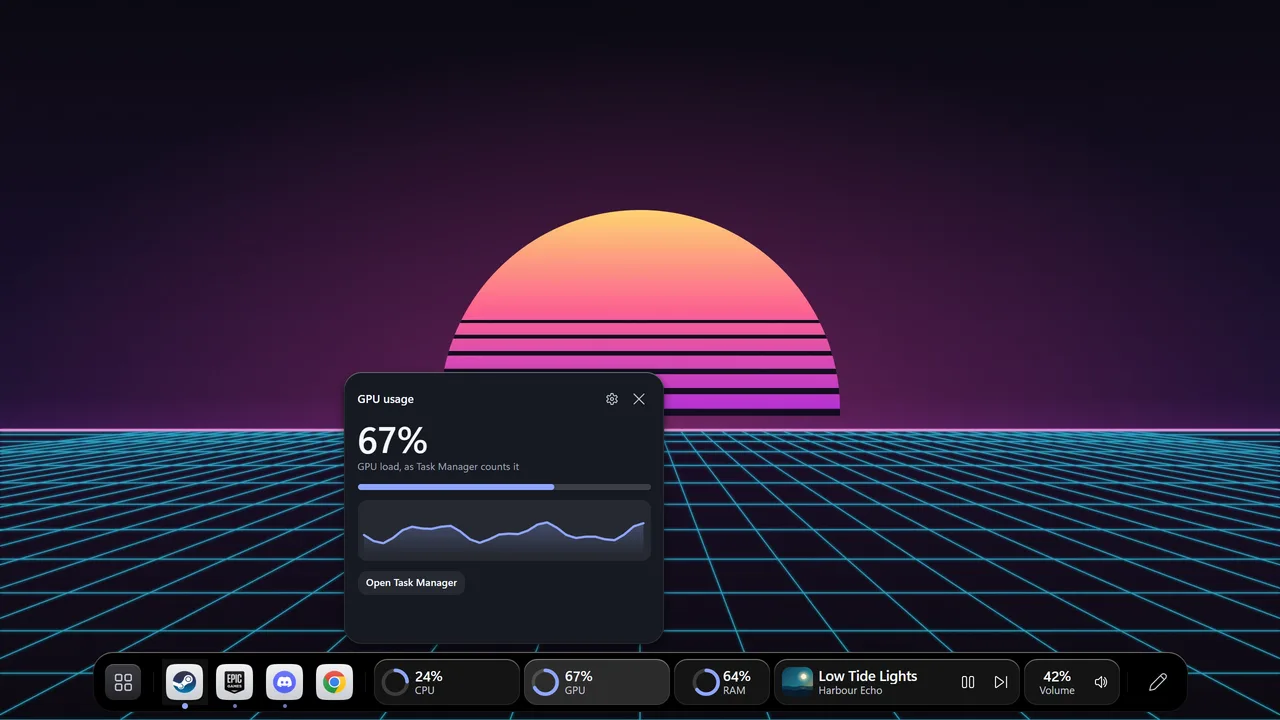
GPU, CPU and what's playing, without alt-tabbing out of the game.
- CPU
- GPU usage
- Memory
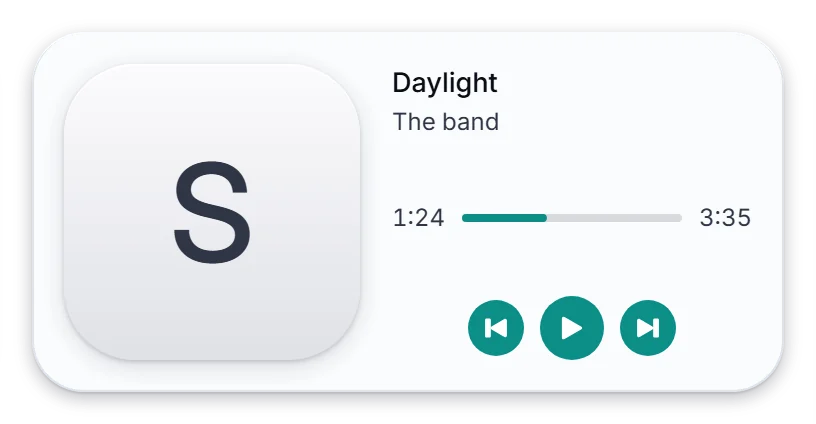
- Now playing
- Volume
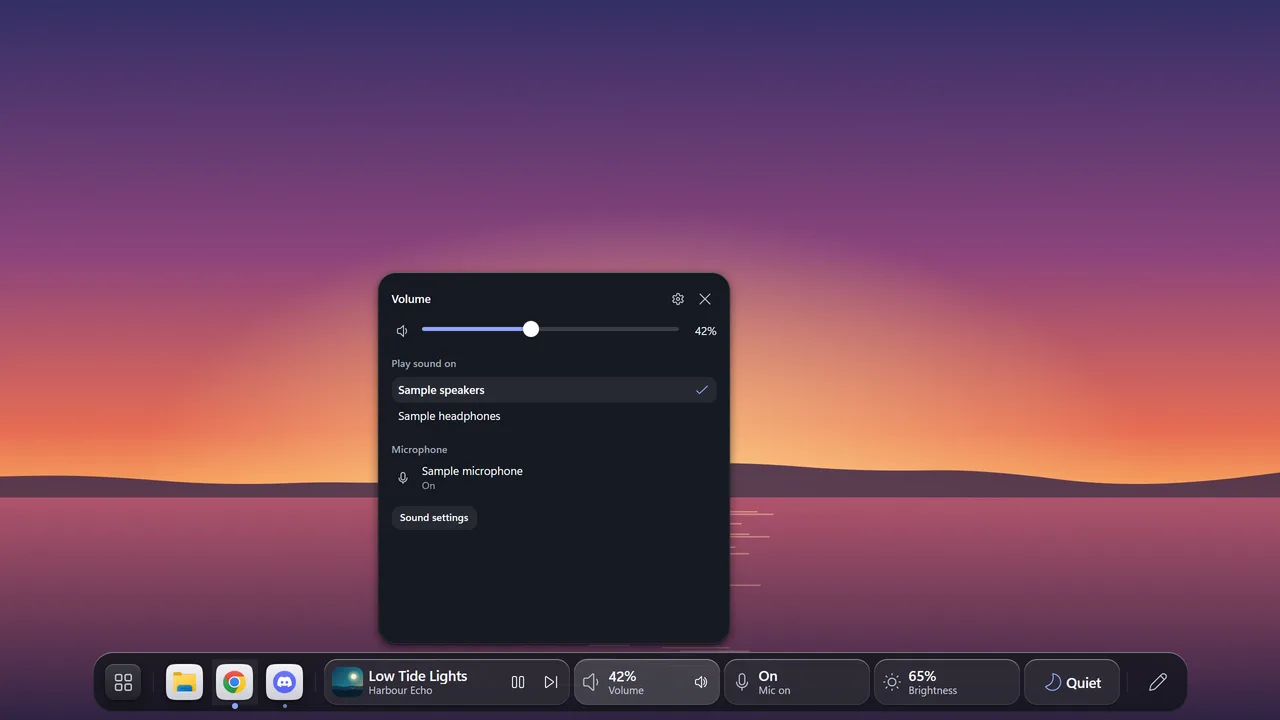
Switch outputs, mute the mic and set brightness from the bar.
- Now playing
- Volume
- Microphone
- Brightness
- Quiet mode
Your team's time zones, the next call, and quiet when you need to think.
- World clocks
- Calendar
- Join meeting
- Quiet mode
- Weather
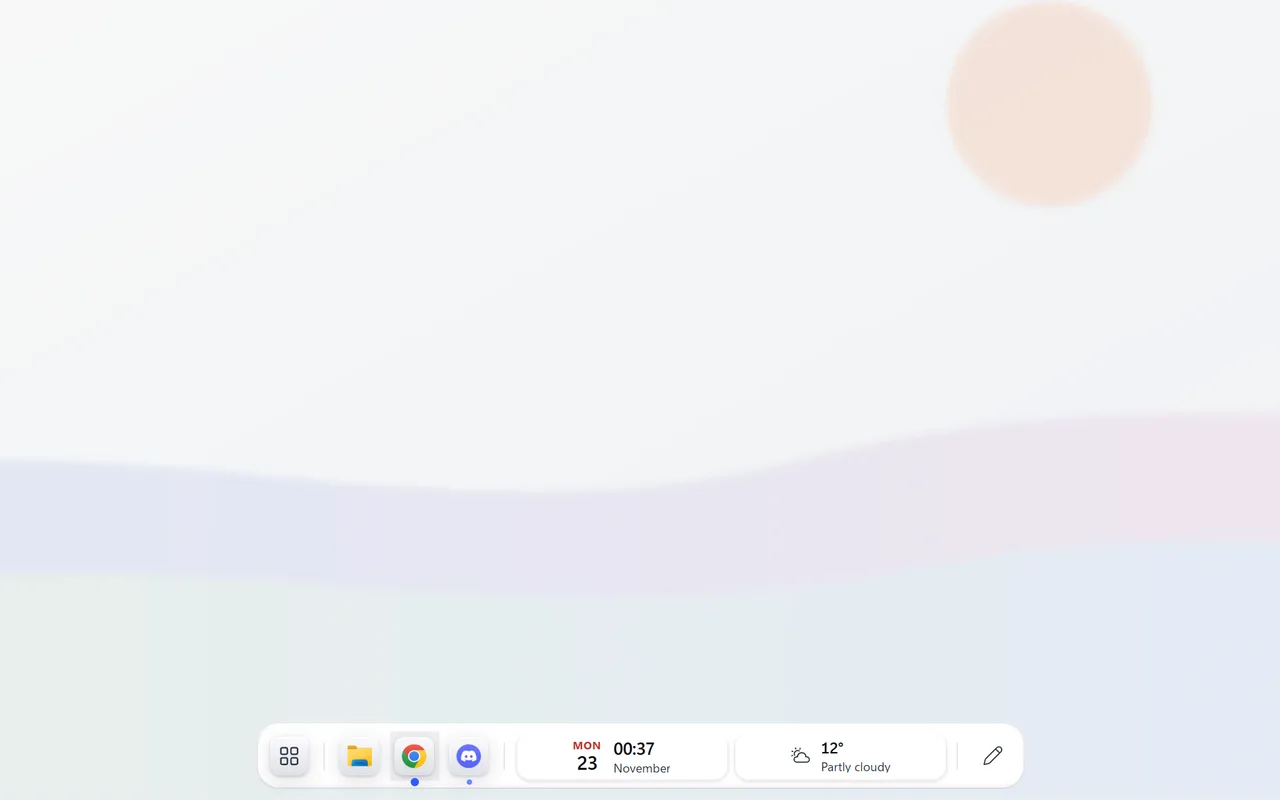
Your apps, the time and the weather. Nothing else.
- Clock
- Weather
- small dock
See it in 28 secondsEvery frame is a real screenshot
One price, paid onceNo subscription, no account. Every widget and every update.
Launch price
US$6.99normally US$11.99
At launch. Join the waitlist to get it.
The installer isn't code-signed yet, so Windows SmartScreen may warn you the first time. Choose More info, then Run anyway. Why?
- Every widget: 136+
- Connectors, automations, styles and profiles
- Free updates
- Up to 3 of your PCs
- Windows 11 (64-bit)
No subscription · no account
We email you once, when Sill is on sale. Nothing else, and you can ask to be removed any time.
NumbersLive, from the waitlist
- On the waitlist
- 0
QuestionsAbout the taskbar, games, uninstalling and the price.
How much does it cost?
US$6.99 once at launch, down from US$11.99. Join the waitlist and the launch price is yours. No subscription, and updates are free.
How do I get it after buying?
At launch you pay once on Stripe's checkout page. Your licence key is emailed to you within a minute. Download Sill from this site, install it, and enter the key when it asks. One key works on up to 3 of your PCs.
What happens to the Windows taskbar?
Sill hides it while the dock runs and puts it back when you quit. Ctrl+Alt+Shift+T brings it back at any time.
What if Sill crashes?
A small watchdog restores the taskbar whenever Sill exits, for any reason. A check at sign-in covers power cuts.
Does it work on multiple monitors?
Yes. Show the dock on your main monitor only, or on every monitor. Mixed display scaling across monitors has not been tested on real hardware yet.
How do I uninstall?
Windows Settings, Apps, Installed apps: find Sill and choose Uninstall. The uninstaller puts the Windows taskbar back before it removes anything.
Can the dock go at the top?
Yes. Drag it to the top or bottom edge and it snaps there. Pill or full width. Maximised windows stop at the dock.
Does it get in the way of games and videos?
No. Sill hides while a fullscreen app or game is in front, and comes back when you leave it.
Can I change how it looks?
Yes. Pick a style (Glass, White, Midnight, Black or your accent colour), light or dark or follow Windows, the icon tiles and their size, and how much icons grow under the pointer. Many widgets have more than one look too.
Windows 10?
Sill is built and tested on Windows 11. Windows 10 is planned, not tested.
How much memory does it use?
About 50 MB at idle in our measurements (30 to 60 MB across runs), including its WebView, and under 1% CPU.
How do I get help, or a refund?
Email support@silldock.com. Refunds are full and need no reason within 14 days of buying (see the refund policy).
Windows says it protected my PC. Is Sill safe?
Sill's installer isn't code-signed yet, so Windows SmartScreen doesn't recognise it and shows a warning. If you downloaded it from this site, choose More info, then Run anyway. The docs page explains this in full.
Does it need the internet?
Only for the widgets that read from an online service (weather, calendars and connectors), and only to the service each one names, once you add it. Plus a daily licence check.
Up and running in three steps
Join the waitlist
Leave your email. We write once, at launch, with the launch price.
Join waitlistLaunch price US$6.99 · 14-day refundInstall
Run the installer on Windows 11. The taskbar comes back whenever you quit.
Pick your widgets
Add the ones you want from 136, and drag them into order.
It stays on your PCPrivacy, in three lines.
No account
Install it and use it. Nothing to sign up for.
No telemetry
No analytics and no crash reporting. The only thing the app sends is its licence check: a device code and the version number.
Online only when you ask
Weather, calendars and connectors fetch from the services they name, once you add them. Nothing else does.
What's newDevelopment builds. No public release yet.
22 November 2026
Alerts, and new widgets
Alert cards rise out of the dock and step aside in quiet mode, quiet hours, Windows Do not disturb and fullscreen apps. Automations can show one. New widgets: Subscriptions with renewal reminders, AI usage (OpenAI, Anthropic, Cursor and local Codex or Claude Code logs), Shopify and Stripe revenue, YouTube, Instagram and X followers, and an Agenda that lists what is coming up. A new website, with pictures drawn from the app itself, the demo video at the top and six example setups.
21 November 2026
A more polished dock
App icons fill more of their tile and sit on matching plates, from sharper 256 px sources. The dock turns dark on a dark wallpaper and light on a light one, and the Glass setting now really changes how see-through it is. Album art for what is playing, a date block for the calendar and the clock, and running dots and meters in your accent colour. No more cut-off text in the bar: long words fade at the edge and scroll when you hover them. A Start button, app groups, one-click styles (Glass, White, Midnight, Black, Colour) and a right-click menu on every widget.
20 November 2026
Licence, and a safer taskbar
Licence activation: buy once, enter your key, and Sill unlocks. There is no trial. The Windows taskbar is hidden in every build while Sill runs, and maximised windows now meet the dock with no gap. Two copies starting at once can no longer fight over the taskbar: only the one that hid it puts it back.
Replace your taskbar tonight.
Windows 11 · US$6.99 once · no subscription · no account
US$6.99at launch
Join waitlist